
Learning has never stopped. That is why I wanted to share this little piece of code if it could be helpful to another codeigniter lover or developer.
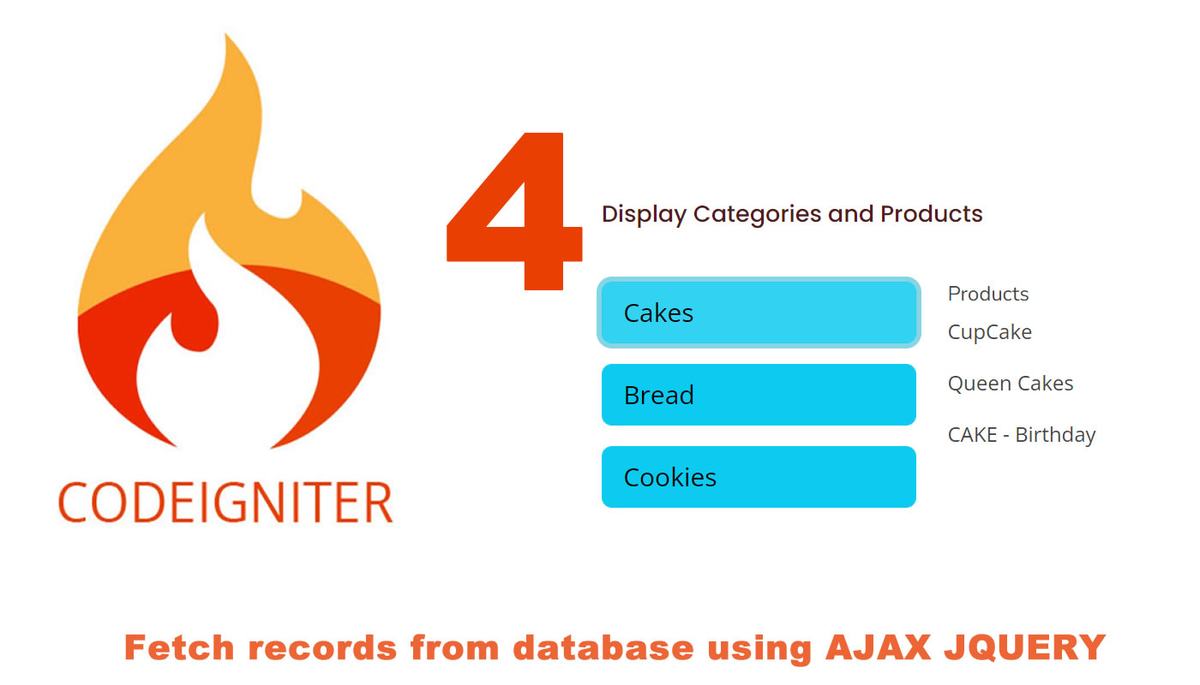
Let's say you want to display products from their particular categories.
So it will start with a point where you have created buttons that show names of categories and every time a user clicks on a particular category button, products will display from it.
Categories
Model
//Get all categories
public function getAll()
{
  $builder = $this->db->table('product_category');
  $results = $builder->get()->getResult();
  return $results;
}
Controller
public function index()
{
  //show category and products
  $productcategoryModel = new ProductCategoryModel();
  $data['productCategory'] = $productcategoryModel->getAll();
  return view('products/all', $data);
}
Views
NOTE: This view file all.php is the same to display also products but in a separate div with id=”products”. Failed to get code for view file here. so i have provided a screenshot
<div class="row p-0">
  <div class="col-lg-4 col-md-4">
    <?php foreach($productCategory as $cat):?>
    <button type="button" id="category" onclick="showproducts(<?= $cat->cat_id; ?>)" class="btn btn-info btn-lg w-100 mb-md-3 mb-1">
      <span class="float-start"><?= $cat->cat_name; ?></span>
    </button>
    <?php endforeach;?>
  </div><!-- Col for categories !-->
  <div class="col-lg-8 col-md-8" id="products"></div><!-- Col display products !-->
</div><!-- Row !-->
PRODUCTS
Model
//Get products in a particular category
    public function getCatProducts($id)
    {
        $builder = $this->db->table('product');
        $builder->where('category_id', $id);
        $builder->join('product_category', 'product.category_id=product_category.cat_id');
        $results = $builder->get()->getResult();
        return $results;

    }
Controller
public function action()
	{
	$productModel = new PoroductModel();
        if($this->request->getVar('action'))
		{
			$action = $this->request->getVar('action');
            if($action == 'get_products')
			{
                $productModel = new ProductModel();
				$myproducts = $productModel->getCatProducts($this->request->getVar('cat_id'));

				echo json_encode($myproducts);
			}
        }
    }
NOTE: “all.php” code is already up. Just ensure you have the same controller file to handle categories and products queries.
The last piece of code needed is this for JQUERY AJAX
JQUERY AJAX (in all.php) view file.
function showproducts(cat_id)
{
    //console.log(cat_id);
    $.ajax({
				type:"GET",
        url:base_url + "show-products/" + cat_id,
        dataType:"json",
        processData: false,
        contentType: false,
        cache: false,
        headers: {'X-Requested-With': 'XMLHttpRequest'},
        success:function(data)
		{
            //console.log(data);
            //alert(data);
            var html = 'Products';
			for(var count = 0; count < data.length; count++)
            {
                html += ''+data[count].product_name+'';
            }
            $('#products').html(html);
        },
		error: function(xhr, status, error){
			var errorMessage = xhr.status + ': ' + xhr.statusText
			alert('Error - ' + error);
		}
    });
}
That should be able to help display your product with button click into another defined Div.
NOTE: Ensure jquery is loaded